Parent: Lakehouse
How do you get data into lakehouse?
For starters Lakehouse supports the following ways to get your data into it:
- Manual file upload
- Load to tables : A lakehouse function to load open format files into Delta lake tables automatically, allowing you to modify the data seamlessly
- Dataflow Gen2 : A transformation tool that saves the resulting data into Lakehouse
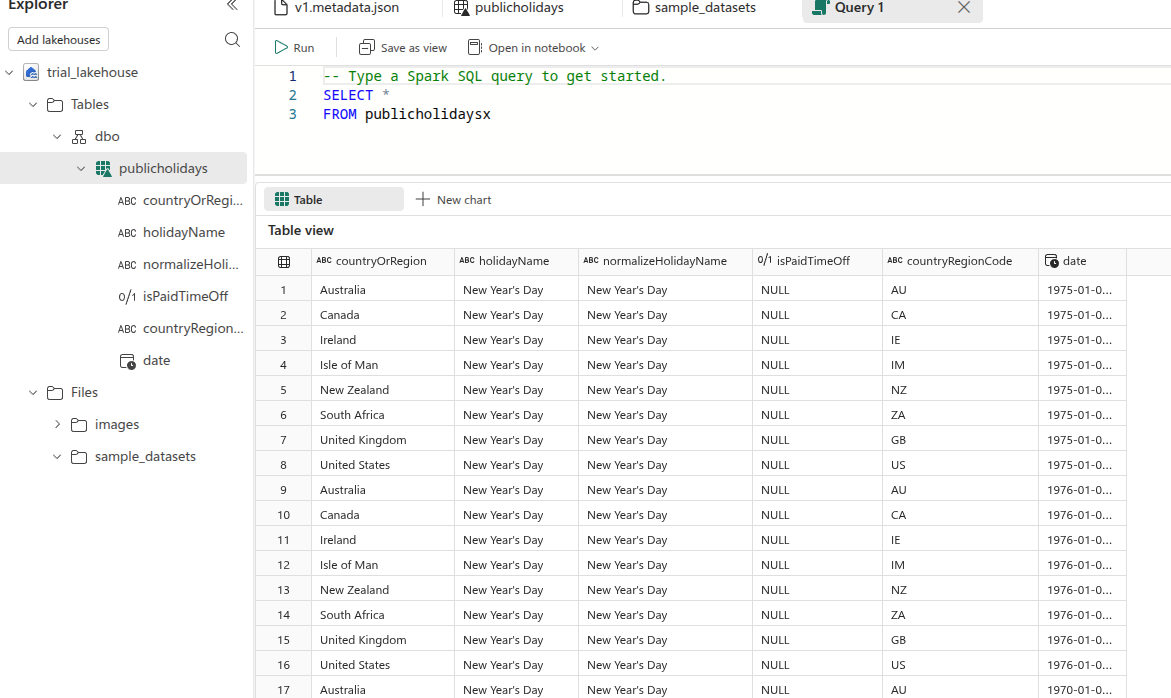
- Notebooks : Ingest the data using apache spark and save it into Lakehouse
- Data factory pipelines : The copy data function saves data into the Lakehouse
- Shortcuts : Create a link to an external data, shows up as a folder in Lakehouse. This is different from Snowflake External Tables in that Lakehouse shortcuts support writing and modifying the source data, it is bi-directional.
How do you work with/transform the data in Lakehouse?
You can use the same data transformation tools to do this:
- Dataflows Gen2
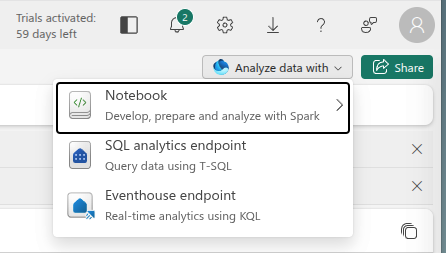
- Fabric Notebooks
- Data Factory Pipelines
- Power Query through the SQL Analytics Endpoint page → Visual Query Editor
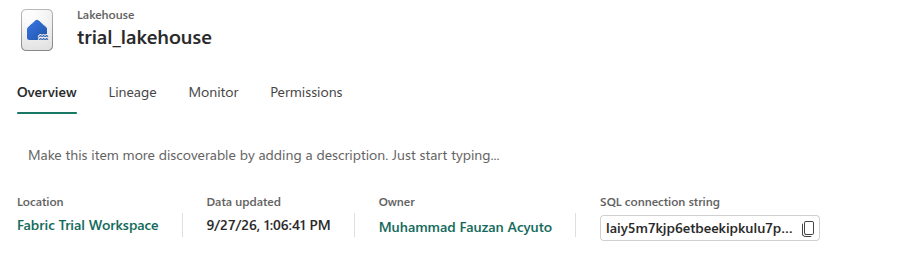
You use the SQL analytics Endpoint to analyse, validate, as well as open a connection to BI Tools using SQL. Or you can connect an SSMS instance to the lakehouse using the SQL connection string provided through the Onelake overview page of the lakehouse
Fabric Spark Notebooks Pricing
The spark engine used in fabric notebooks spin up a VM which can drive up costs. If possible just use T-SQL in the data warehouse for transformations.
Related:
Using spark in Lakehouse Choosing a data integration strategy in fabric